

I mean, it's not a huge deal. You can still see the card and what it looks like, but it looks funky. Agree? Well, the other day I downloaded a FREE app called "CamScanner" and I've been really happy with it. I still take a photo of my card, but it allows me to easily crop the card. It's not perfect, mostly because the camera on the iPhone 4 is crappy, but it helps make my scans look much better. Case in point once again:


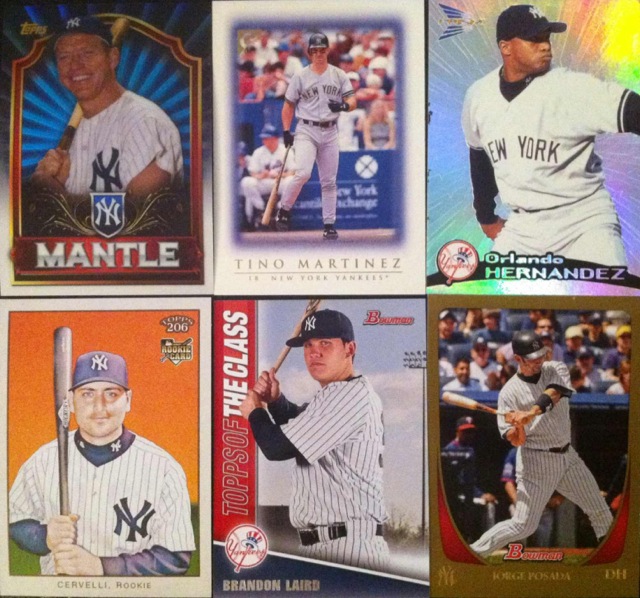
I know I'm cheap and should just get a scanner, but I don't have a large work station in my apartment and don't have much room to begin with. If you've been having the same image troubles as me and not in the market for a scanner, give CamScanner a shot!
*In no way am I associated with CamScanner or working with them in any capacity. This is a completely free plug because I feel it has helped make my blog more visually enjoyable and these scan are more aesthetically pleasing.

